Mobile Top-Up Casinos in the UK: Payment Guide
 Available in GB
Phone-bill payments can involve cashier-specific limits, fees and confirmation steps, and may affect bonuses or how you withdraw.
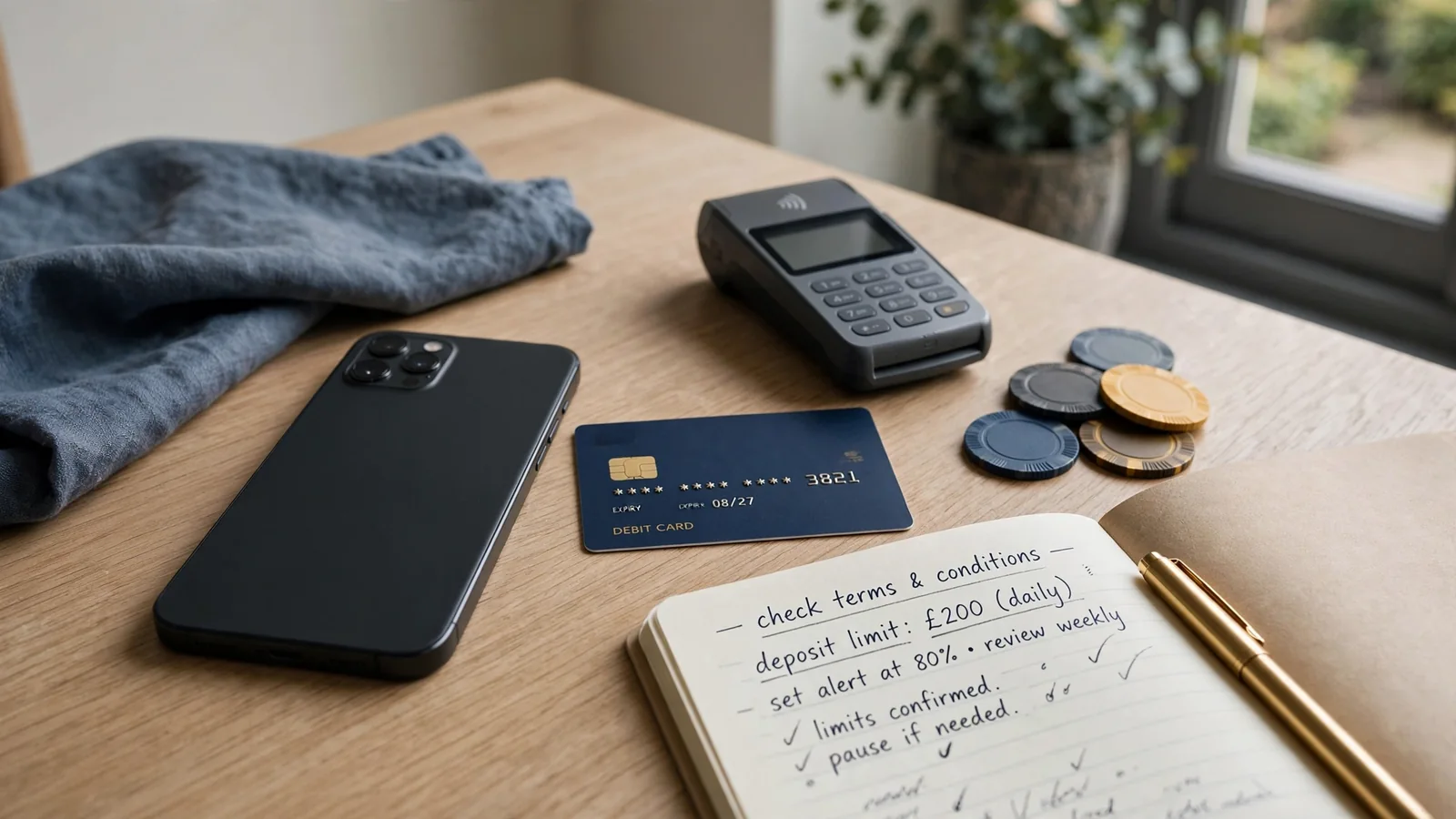
Table of Contents
- Before You Deposit: Check the Cashier and Set a Limit
- Mobile Top-Ups Versus Cards and E-Wallets
- What a Phone-Bill Deposit Actually Charges
- The SMS Confirmation Step—and Why It Matters
- Phone-Bill Slots: The Bonus and Cash-Out Catch
- Playing Mobile Slots with a Phone Payment
- When You Want to Top Up with Your Mobile
- Mobile Billing, Boku and Network Fees
- What “Best” Means When You Pay by Mobile
- Using Phone Credit Without Getting Stuck at Withdrawal
Before You Deposit: Check the Cashier and Set a Limit
“Mobile top-up” sounds like one simple way to put money into a casino account. In practice, it means choosing a payment option shown in that operator’s live cashier, then accepting the terms attached to that option. A method mentioned in a review or on an old help page may not appear when you log in. I check the cashier itself before making plans around it. That is where the current conditions are.
Start by opening the deposit page and selecting the payment method you intend to use. Read the details displayed there before confirming anything: the minimum deposit, maximum transaction value and any fee. These can depend on both the casino and the payment method, and the cashier may change. A figure remembered from a previous visit is not a safe guide. Neither is a general description of mobile top-up casinos.
I once treated the method’s name as if it told me everything I needed to know. It didn’t. The important part was the small print beside the payment option: how much the cashier would accept, whether a charge applied, and what controls were available on my account. That quick check is less exciting than getting to the games. It is also the bit that can prevent an avoidable surprise.
Look for financial-limit controls before depositing, not after you have already started spending. UK rules require a new remote customer to be prompted to consider setting a financial limit before their first deposit. Account-level limit facilities must also remain accessible afterwards. Take the prompt seriously and choose a limit that fits your own budget; don’t treat it as a box to click through just to reach the cashier. I find it easier to make that decision while I’m not caught up in a session.
If the cashier does not make the account controls clear, pause and find them through the account settings or the operator’s help pages. The important thing is to know where they are and how to review them later. A limit is useful only if you can find it when you need it. Keep your decision separate from the amount the payment screen happens to accept: a maximum transaction value is a payment condition, not a sensible spending target.
The operator’s own cashier is the right place to verify the current deposit range and fees. A specialist review can give you a starting point, but it cannot show what is available to your account at the moment you pay. The same applies to processing statements: timings and conditions may depend on the selected method and the live cashier. Check the details on screen rather than assuming that an old description still applies.
Before you confirm, make sure the amount shown is the amount you meant to enter and that you understand any charge listed beside it. If the terms are unclear, don’t guess. Leave the transaction unfinished and look for an explanation from the operator. Pressing through because the amount seems small is how a minor uncertainty turns into a payment you did not intend.
It is also worth checking that your account details are correct before you begin. An account issue can make even a familiar payment option a poor choice. The cashier is not just a row of buttons; it is where the operator sets out which options are currently available and the conditions attached to them. Read it as a set of terms, not as an endorsement.
For a mobile top-up casino in the UK, the sensible starting point is therefore not a promise that one method works everywhere. It is a quick inspection of the live cashier: confirm the option appears, read its limits and fees, and locate the financial controls on your account. Then decide whether the deposit fits the limit you set for yourself. If any part does not add up, stop there. No rush.
Mobile Top-Ups Versus Cards and E-Wallets
When choosing a mobile top-up casino in the UK, you may want to check how quickly withdrawals are paid. Use this list as a reference for the payout timing provided for each operator.
Payout speed: 1-3 business days Jetsetspins lists a payout speed of 1–3 business days. You can use that timing as one detail when considering the operator.
Payout speed: 1-3 business days x3bet lists a payout speed of 1–3 business days. You can use that timing as one detail when considering the operator.
Payout speed: 1-3 business days Revery Play lists a payout speed of 1–3 business days. You can use that timing as one detail when considering the operator.
Payout speed: 1-3 business days Zombillion lists a payout speed of 1–3 business days. You can use that timing as one detail when considering the operator.
Payout speed: 1-3 business days NightLuck lists a payout speed of 1–3 business days. You can use that timing as one detail when considering the operator.
Payout speed: 1-3 business days Amunbet lists a payout speed of 1–3 business days. You can use that timing as one detail when considering the operator.
Payout speed: 1-3 business days WinBeast lists a payout speed of 1–3 business days. You can use that timing as one detail when considering the operator.
Payout speed: 1-3 business days Chanze lists a payout speed of 1–3 business days. You can use that timing as one detail when considering the operator.
Payout speed: 1-3 business days EvoSpin lists a payout speed of 1–3 business days. You can use that timing as one detail when considering the operator.
Payout speed: 1-3 business days NightWin lists a payout speed of 1–3 business days. You can use that timing as one detail when considering the operator.
A phone top-up and a card deposit can both put money into a casino account, but they are not interchangeable. Pay by phone means the deposit is charged through your mobile service; a card or e-wallet uses a different payment route. Which options you can actually use depends on the operator’s live cashier, so a method mentioned in a review is a starting point, not a promise that it will be there when you log in.
Independent specialist reviews list Visa, Mastercard, Skrill, Neteller, PaysafeCard and several major cryptocurrencies among casino payment options. That list describes methods reported across the market, not a standard menu at every casino. One operator may show a card option and no phone payment; another may offer an e-wallet but not the same set of cards. I treat the cashier as the final word, not a payment logo on a landing page.
Cards can be the more straightforward route when you want to deposit from a bank account. A specialist review reports that debit-card deposits at UK casinos are free and accepted more widely than Payforit. That comparison can help set expectations, but it is not a guarantee about a particular casino or account. Check the cashier for the available card type and any fee before confirming. Visa and Mastercard are names you may see there; the key distinction is whether the card is debit or credit.
Credit Card Ban
UK Gambling Commission rules prohibit the use of credit cards to fund gambling, including payments routed through intermediaries.
Credit cards are not an acceptable way to fund gambling with a UK-licensed remote operator. UK Gambling Commission rules prevent licensees from taking credit-card payments for gambling, including when the payment is routed through a money service business. So sending credit-card funds through an intermediary does not turn the deposit into an allowed workaround. If a card is linked to both credit and debit functions, do not guess which balance a transaction will use; use a permitted payment route and check the issuer’s terms.
That restriction is easy to muddle with the card brands. Visa or Mastercard on a cashier does not mean credit cards are accepted for gambling. The brand can appear on a debit card, and the cashier may support debit deposits while rejecting credit-card payments. I would not assume that a card logo tells you the funding source the operator allows. Check the card type and use your own funds.
E-wallets occupy another lane. Skrill and Neteller appear in specialist payment round-ups, but availability still varies by casino. They can be useful if you already maintain an e-wallet balance, though that does not make them a route for credit-card gambling funds. Do not load an e-wallet with a credit card and then use it to sidestep the UK restriction. A payment method’s presence in the cashier does not override the rules that apply to the money behind it.
PaysafeCard is also listed in independent reviews. It is distinct from a bank card and from a phone-billed deposit, so compare the method’s own terms with the options shown for your account. Cryptocurrency appears in some review lists too, but that does not mean every UK-facing casino offers it or that it is suitable for every player. The cashier is where you can verify what is supported, rather than relying on a general list.
Pay by phone has a different appeal: it lets you make a deposit through your mobile service rather than entering card or e-wallet details. The trade-off is that it is a separate, restricted option, not a universal substitute for cards. If the cashier does not offer Payforit, you cannot assume that the casino supports it simply because another operator does. Equally, having a phone payment option does not tell you which card or e-wallet alternatives are available.
- Check the live cashier for available methods
- Verify if the card is debit
- Use your own funds
- Assume a brand logo means credit is accepted
- Rely on generic payment lists
- Use credit cards via intermediaries
When I compare methods, I keep the question practical: what does this casino let me use, and which route fits how I want to manage the money? A card may be more widely listed than Payforit in specialist reviews; an e-wallet may already suit your setup; a phone payment may be the only option you were looking for at that cashier. None is automatically best. Check what is actually displayed, and do not let a familiar logo blur the line between debit and credit. That distinction matters.
What a Phone-Bill Deposit Actually Charges
Payforit does not take money from a bank card. It puts the casino deposit against the phone service attached to your mobile number: on a contract, the amount is added to a future phone bill; on Pay as you Go, it comes out of credit you have already loaded. Same payment name, different place the cost lands.
That distinction is easy to miss when the cashier shows a deposit amount and you are focused on getting funds into your account. I used to think “pay by phone” meant the phone was just confirming a payment from somewhere else. With Payforit, the phone account itself is the source of the charge. The deposit is not automatically separated from the rest of your phone spending in the way a card payment may be.
Contract phone: a later bill
If you have a monthly contract, a Payforit casino top-up is added to a bill that will arrive later. You are not handing over cash at the moment you deposit, but the amount still has to be paid as part of your phone account. That delay can make the transaction feel less immediate than it is. The money has been committed; it has simply not yet appeared as a bill to settle.

I learned the slightly annoying way that “not paid today” and “not spent” are not the same thing. If you are working out what you can afford, count the deposit when you make it, rather than waiting until the next bill. It is still gambling spend, even if the charge shows up alongside your ordinary mobile service.
The total on a contract bill can be easy to underestimate if you are tracking only what leaves your bank account that day. Keep the deposit in your own spending record, and check your phone account or bill later so you can match the charge to the transaction. That is a practical check, not a claim that every provider displays it in the same format.
Pay as you Go: credit goes down
With Pay as you Go, there is no future contract bill for that deposit. The amount comes out of your existing prepaid phone credit. If you have loaded credit for calls, messages or data, a casino deposit uses some of that same balance. Once spent, it is no longer available for those other phone needs.
That makes the source of the money more visible, but it does not make the cost harmless. If your balance is low, the deposit can use a noticeable share of it. I would not treat a phone balance as spare casino money just because it is already sitting on the handset account. It was still your money before the deposit.
Contract customers see the charge on a future bill, whereas Pay as you Go customers have the amount deducted immediately from their prepaid credit balance.
The important difference is timing: contract customers see the charge on a future bill, while Pay as you Go customers lose prepaid credit from the balance they have now. In both cases, Payforit is charging the phone account, not turning a phone into a withdrawal route or a separate wallet.
What the deposit amount can look like
A specialist casino review reports Payforit minimum deposits in the £3–5 range and a maximum of £30, but the cashier at the casino you are using is the place to confirm the amount it will accept. Those figures are not a promise that every operator offers the same choices. The available options can be different, so read the displayed deposit values rather than assuming a familiar amount will be there.
There is also a firm transaction ceiling: the Phone-paid Services Authority caps Payforit deposits at £30 per transaction. That limit matters whether your phone is on contract or Pay as you Go. Having a large phone balance or an unused allowance does not remove the cap. Nor should you plan around splitting a larger deposit into multiple transactions to get past it; the cap is a boundary, not a puzzle to solve.
For me, the useful way to read the cashier is to ask two separate things: how much will this deposit put into the casino account, and which phone balance or bill will carry the charge? They are related, but they are not the same view of the money. A contract customer needs to remember the later bill; a prepaid customer needs to account for the credit that disappears now.

If the cashier’s terms or the amount shown do not match what you expected, pause before confirming anything. A phone payment can look small on the deposit screen and still affect a budget elsewhere: next month’s phone bill, or the credit you wanted for ordinary mobile use. Know which one you are spending. That is the part I used to overlook.
The SMS Confirmation Step—and Why It Matters
With a Payforit deposit, choosing the option in the casino cashier does not complete the payment by itself. You enter your mobile number, receive a confirmation code by SMS and submit that code to authorise the deposit. The last step matters: until you provide the code, you have not finished the process.
I treat that message as a payment prompt, not just another text to clear from my inbox. Before entering the code, I check that I am still on the casino’s cashier page and that the transaction details shown there match what I intended to do. If anything looks unfamiliar, I stop rather than submit first and try to untangle it later. A code is an approval step, so it deserves the same attention as pressing a final payment button.
The sequence is straightforward: select Payforit, enter your number, wait for the SMS, then type the code into the requested field. Don’t share the code with someone who contacts you claiming they need it to help with your account. The point of the confirmation is for you to authorise the transaction, not to hand someone else control of it.
Payforit Deposit
Choose Payforit in the casino cashier and enter your mobile number.
Wait for the confirmation code to be sent to your phone via SMS.
Submit the received code in the requested field to complete the deposit.
Boku has a confirmation step too. You must approve the transaction by SMS before the funds move. So if you are looking to top up a casino account by mobile, expect the payment to involve an active confirmation rather than assuming that selecting the method is enough. Payforit uses a code that you submit; with Boku, the key point is also that you confirm by text before the payment proceeds.
That pause can be useful. It gives you a moment to catch a mistyped number, an unexpected prompt or a transaction you did not mean to start. If you did not request a payment message, don’t treat it as permission to proceed. Go back to the casino account directly and check what is happening there instead of following a link in an unexpected text.
I have learned not to rush through payment screens just because the steps look familiar. Read the prompt, make sure you recognise the transaction, and only enter or send the confirmation the cashier is asking for when you are satisfied it is yours. A few seconds of checking is better than authorising the wrong thing.
The SMS is the checkpoint. For Payforit, the code has to be submitted; for Boku, the transaction needs your text confirmation before funds move. Neither step is a reason to ignore what the screen says. If the details do not make sense, stop and check the account rather than guessing. Short pause, fewer surprises.
Phone-Bill Slots: The Bonus and Cash-Out Catch
A phone-bill deposit can get money into a casino balance, but it does not make the rest of the account work like a phone wallet. That matters if you are planning to play slots and have spotted a welcome offer beside the deposit button. The payment route and the promotion are separate decisions, and the terms may treat them differently.
Specialist casino reviews report that most UK casinos exclude Payforit deposits from welcome bonuses and other promotional offers. That is a useful warning, not a promise about every operator. Read the offer’s payment conditions before you accept it: the exclusion may be stated in the bonus terms, the cashier, or both. If Payforit is excluded, depositing with it may leave you with a cash balance but no access to that promotion.
I have learned not to count a bonus as part of my balance until I know I qualify for it. The bright offer can make a deposit look more attractive than it is. Check whether the promotion allows Payforit, and whether accepting the offer changes the terms attached to your play. If the wording is unclear, pause and ask the operator before depositing. Better a small delay than an argument over an offer you assumed applied.
The bigger catch comes when you want to take money out. Payforit is a deposit route, not a way to withdraw casino funds. If you win while playing slots, the winnings cannot be sent back to your phone bill or prepaid balance through Payforit. The balance may show in your casino account, but cashing it out is a separate step.
That distinction is easy to miss when the whole session begins on a mobile. “Pay by phone” sounds like a complete payment loop; in practice, it only describes how the deposit is made. It does not mean your phone account can receive a payout. Keep those two things separate in your head.
Attention Payforit is a deposit-only route; you cannot use it to withdraw winnings from your casino account back to your phone bill.
Before depositing, check the operator’s current terms for how a Payforit-funded account is handled if you later request a withdrawal. The available payout route can depend on the account and the operator’s rules, so do not assume the deposit method determines the way money comes back. Also make sure you understand any bonus conditions before playing: promotional terms can affect when a balance is available to withdraw.
For a slots session, I would treat the deposit as money committed to play, not as cash that can simply be reversed into phone credit. That is not a reason to avoid the method automatically; it is a reason to decide with eyes open. If a bonus is central to your plan, confirm eligibility first. If being able to cash out through the same route matters to you, Payforit will not do that job.
The practical test is simple: know whether the offer applies, and know that Payforit cannot carry winnings out. Once those points are clear, you can decide whether the convenience of funding a session by phone is worth the trade-off. No blurred lines.
Playing Mobile Slots with a Phone Payment
Payforit belongs in a mobile slots session because it is generally reserved for players using a mobile device. If you are browsing on a desktop, do not assume the option will appear in the cashier; check from the device you intend to use. I used to treat a payment button as a promise that it would be there whenever I wanted it. It is only an option if the live cashier offers it for your account.
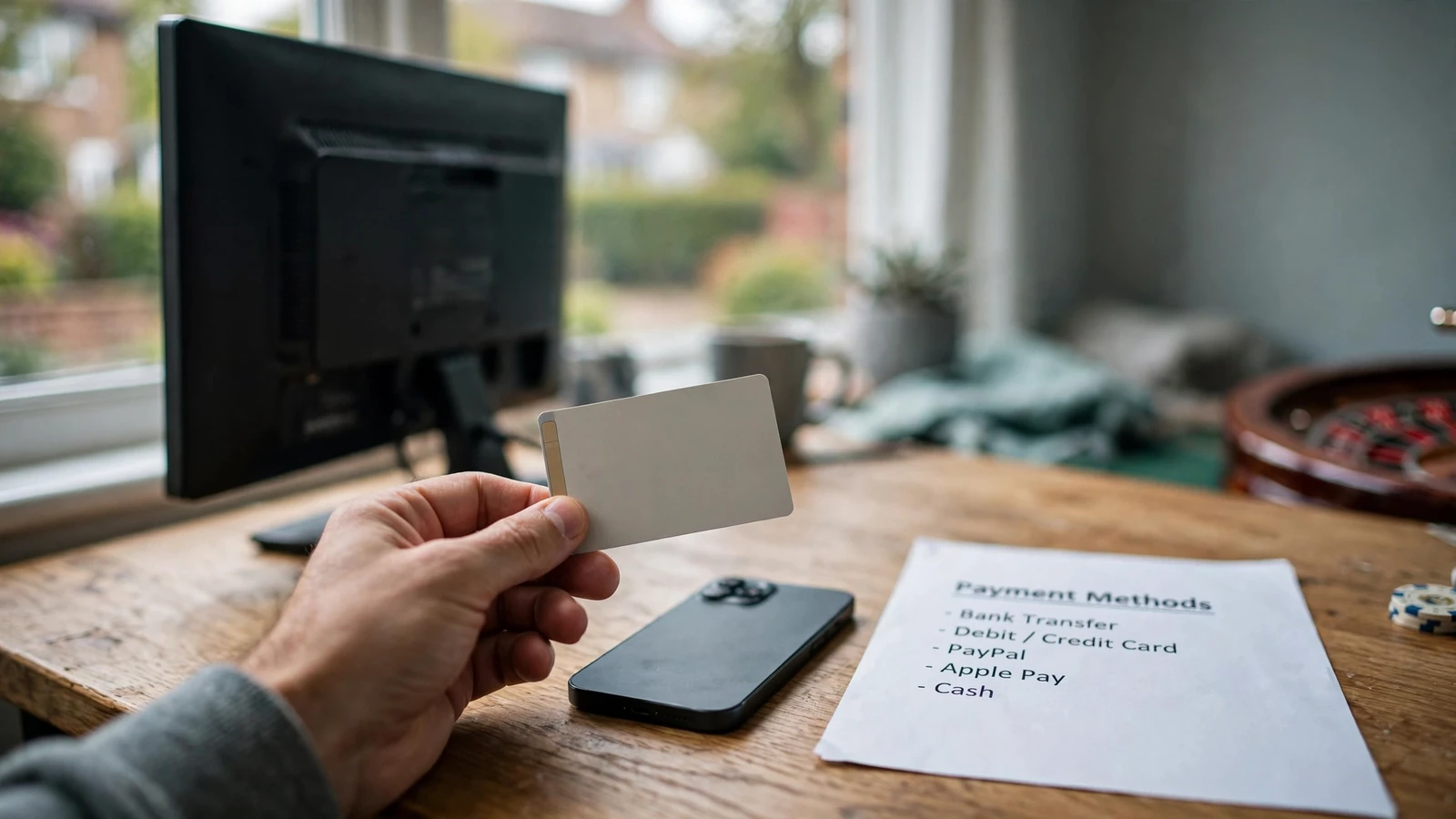
That distinction matters when you are choosing where to play. The phone is doing two jobs: it is the screen for the game and, if Payforit is available, part of the deposit process. But the payment method does not make a slot more mobile-friendly, improve its features or change how it plays. I’d check that the casino’s mobile site or app works comfortably for me before thinking about how to fund it. Small controls and awkward navigation can make a session frustrating regardless of the deposit route.
Keep the play itself in view, too. In Britain, online slot spins must last at least 2.5 seconds, and autoplay is not allowed. That means you cannot set a slot to run unattended; each spin remains a decision you make on screen. I find it helps to decide what I am comfortable spending before opening a game, rather than letting the pace of a session make that decision for me.
A mobile top-up can make depositing feel like one more tap in the same session. That is precisely why I try not to confuse ease of access with a reason to keep playing. If I have reached the amount I planned to spend, the fact that I am still holding my phone does not change that limit. Put the device down. A short pause is useful.
So, for slots played on a phone, Payforit may fit the setting, but it is not a feature of the game and it should not decide how long you play. Check that the option is actually available in the mobile cashier, then keep your attention on the session rather than the convenience of making another deposit. Mobile screen. Same decisions.

When You Want to Top Up with Your Mobile
Using your mobile to fund a casino account does not have to mean putting the deposit on your phone bill. The phone can simply be the device you use to open the cashier; the payment itself might go through another method shown there.
Boku, an e-wallet, or Paysafecard may be alternatives to Payforit. A specialist review describes them as options, but that is not a promise that a particular casino accepts them. I’ve learned not to plan a deposit around a payment logo I saw somewhere else. Open the cashier on the casino you intend to use and check what is actually offered to your account.
If Boku appears, it is a pay-by-mobile route rather than the same thing as paying with a card stored on your phone. If an e-wallet is listed, you would fund the casino through that wallet; Paysafecard is another possible route, where accepted. The practical difference is that none of these turns every mobile casino into a phone-bill casino.
You can also use a debit card or PayPal if the operator’s cashier offers it. A phone browser does not determine which payment methods are available, and having an account with a provider does not mean the casino accepts it. Keep the payment route and the device separate in your head. Saves confusion.

For someone trying to top up slots with a mobile, the useful first step is therefore not choosing a brand from a list. It is checking the cashier while logged in, then deciding which of its displayed options suits you. If Payforit is absent, look at the alternatives actually presented rather than assuming Boku, an e-wallet or Paysafecard will fill the gap. Availability can differ between operators and may change, so the live cashier is the point to rely on—not a payment page remembered from another site.
Mobile Billing, Boku and Network Fees
Boku can make a mobile casino deposit feel simple, but the amount you enter is not necessarily the whole cost. A specialist review describes Boku’s standard transaction cap as £30. Treat that as a ceiling, not a target: the casino’s cashier must show whether Boku is currently supported and what amount it will accept for your account.
The other detail I would check is your phone balance. For a Boku deposit to go through, your available credit needs to cover the deposit and any network fee. That matters particularly with pay-as-you-go credit: if the balance only matches the deposit, a fee can leave too little available and the payment may fail. On a monthly contract, the charge may be reflected through your network account, but the fee still affects the total cost.
A specialist review notes that a mobile network may add a processing fee to Boku transactions. The amount can depend on both the network and your tariff, so there is no single figure I’d rely on across providers. Check your network’s terms and the payment details shown before you confirm. If the fee is not clear, pause rather than assuming the casino deposit amount is all you will pay.
Mobile networks may add a processing fee to Boku transactions, which depends on your specific network and tariff.
This is one reason I don’t judge mobile billing slots by how quickly I can reach the deposit screen. A payment can be convenient and still be a poor fit if the cost is unclear or your remaining credit is tight. Keep the deposit within the stated limit, leave enough credit for any applicable fee, and don’t try to work around the transaction cap by splitting payments. A failed attempt is annoying; spending more than you planned to get around a limit is worse.
Boku availability and charges are not universal across casinos or phone plans. The cashier and your network’s own terms are the practical checks; a generic claim about mobile billing cannot tell you what your account will be charged. Check first. Then decide.
What “Best” Means When You Pay by Mobile
I used to treat “best” as if it meant the biggest name or the flashiest cashier button. That tells you very little. A pay-by-mobile option only suits you if its costs and limits fit what you actually need, and those details can change.
Start with the withdrawal terms, not just the deposit screen. Check the current maximum withdrawal, any fees, and the operator’s stated processing steps. A specialist review can give you a useful snapshot, but it cannot settle what applies to your account today. Withdrawal methods, limits, charges and processing statements may be updated; the live cashier and the operator’s current terms are the practical reference.
There is no stable set of UK-specific figures in public banking information that lets you compare every casino from a distance. So I wouldn’t call one option the best mobile top-up casino in the UK based on a generic payment claim. I’d compare the actual terms shown to me, with the payment method I intend to use selected. If the cashier is vague, or the terms do not answer a basic question, I take that as a reason to pause rather than guess.

Look for the details that affect your own decision: the withdrawal ceiling, whether a fee is listed, and what the operator says about processing. Then check again before depositing if time has passed or the cashier has changed. “Fast” is just a label unless the current terms explain what it means.
I learned that the awkward way: I focused on getting money in and barely read the payout information. The useful comparison is not a league table of mobile casinos; it is the live information for the account you will use. No guessing.
Using Phone Credit Without Getting Stuck at Withdrawal
A phone-credit deposit can get money into a casino account, but that does not mean the same route can bring winnings back out. I used to treat the deposit button as the whole payment plan. It isn’t.
Before paying, check the cashier’s withdrawal options for your account and whether your chosen deposit method is listed there too. Payforit cannot be used to withdraw casino funds, so you will need another payout route if you deposit that way. A specialist review also advises checking this deposit-to-withdrawal match rather than assuming the methods are interchangeable.
The cashier may show options such as a debit card, bank transfer, PayPal or an e-wallet such as Skrill or Neteller. What appears for you depends on the operator and your account; check that the route matches your account details and currency. No assumptions.
Before you top up, read the current terms and confirm what payout route is available. Check whether identity verification is still outstanding as well: an unresolved check can affect the withdrawal process, even if your balance is ready to cash out. Minimums, fees and processing statements can change, so use the live cashier rather than relying on an old review.
The practical test is simple: if your balance grows, do you know how you can withdraw it? If the answer is unclear, pause before depositing and get the operator’s terms straight. A small convenience at the deposit stage is not worth discovering later that your preferred cash-out route is unavailable.
What are the withdrawal limits when using a Payforit casino?
You can’t withdraw casino funds through Payforit. Check the casino’s cashier for the withdrawal methods and limits available to your account.
What is the maximum I can deposit with Boku at a UK casino?
Boku deposits are capped at £30 per transaction. Your phone credit must also cover the deposit and any network fee.
Do online casino bonuses work with Payforit deposits?
Usually not: most UK casinos exclude Payforit deposits from welcome bonuses and promotional offers.
What is the current minimum deposit?
Payforit deposits typically have a minimum of £3–5. Check the casino’s live cashier for the minimum that applies to your account.
Which payment types are listed?
Payment methods reported across UK casinos include Visa, Mastercard, Skrill, Neteller, PaysafeCard and several major cryptocurrencies. The options available to you depend on the casino’s live cashier.
Do all casinos accept Payforit?
No. Payforit is available at some operators, but you should check the live cashier to see whether your casino offers it.
Prepared by the Candyland Casino 4 editorial staff.