CandyLand Casino on Mobile
 Available in GB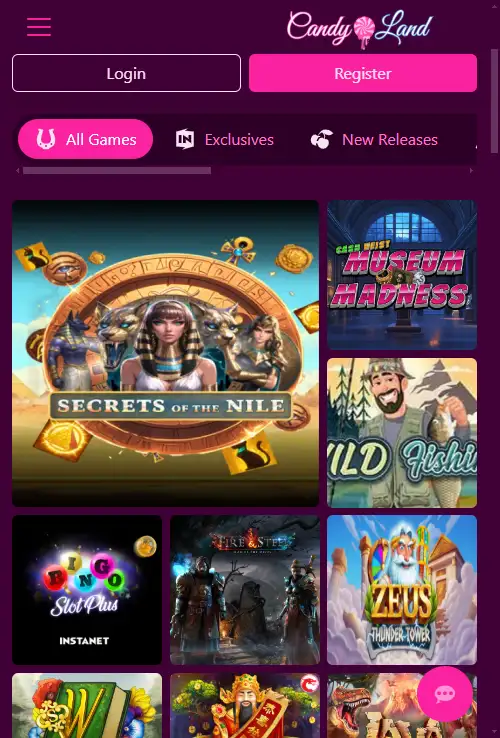
CandyLand can be used through mobile browsers. That is the practical answer to the main mobile question: you can access the casino from a phone or tablet without relying on a native application. As of 21 August 2026, no official CandyLand iOS or Android store listing was found, so there is no App Store link, Google Play link or APK download instruction to provide.
For most readers, the practical test is therefore the mobile website itself. Check the official domain in your browser, sign in through the normal account route, confirm that the lobby and cashier are usable on your screen, and only then decide whether the browser experience is convenient enough for regular use.
Table of Contents
- Browser access is the current mobile route
- Is there a CandyLand app for iPhone or Android?
- What to test on a phone before depositing
- What browser-based mobile access changes in practice
- Mobile games
- Registration on mobile
- Banking from a mobile browser
- How to avoid fake CandyLand app downloads
- Browser shortcuts are not native apps
- Mobile verdict
Browser access is the current mobile route
CandyLand supports browser-based play through its instant-play website. That is a firmer basis for mobile access than treating the word “app” as proof that a downloadable application exists.
Open the official CandyLand site in the browser already installed on your device. The key question is whether the responsive version exposes the functions you need clearly enough: navigation, game search, account access and cashier entry. Because the site is browser-based, there is no reason to use an unofficial installation file.
If you are comparing the actual catalogue rather than the interface, use the separate game library. It keeps provider and category detail on the page dedicated to the wider game catalogue instead of duplicating it here.
Is there a CandyLand app for iPhone or Android?
No official native CandyLand Casino listing was found in Apple’s App Store or Google Play as of 21 August 2026. That is a dated status rather than a permanent claim that an app can never exist.
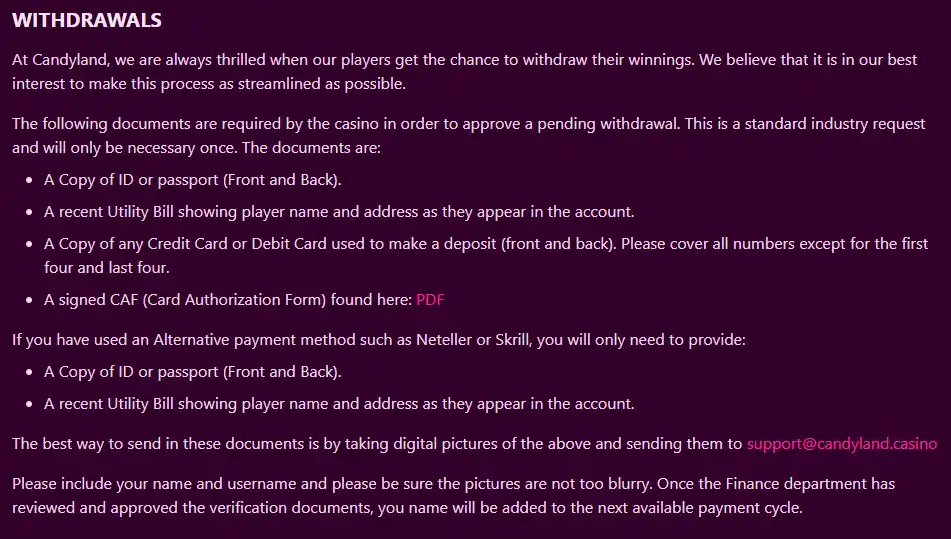
CandyLand is described as browser-based, and no official native store listing was found as of 21 August 2026. The practical conclusion is to use the browser route and avoid installing a file simply because it uses CandyLand branding.
If a native app appears later, the safe verification standard is straightforward. The listing should be reachable through an official store, show a publisher identity that can be tied to the casino, and be linked from a trustworthy CandyLand source. Until those checks are satisfied, a third-party APK or download button should not be treated as official.
What to test on a phone before depositing
- Domain: confirm the address is the official CandyLand domain before entering login or payment information.
- Navigation: make sure the menu, account controls and game categories are readable without accidental taps.
- Login: confirm that the normal account sign-in route works cleanly on your device.
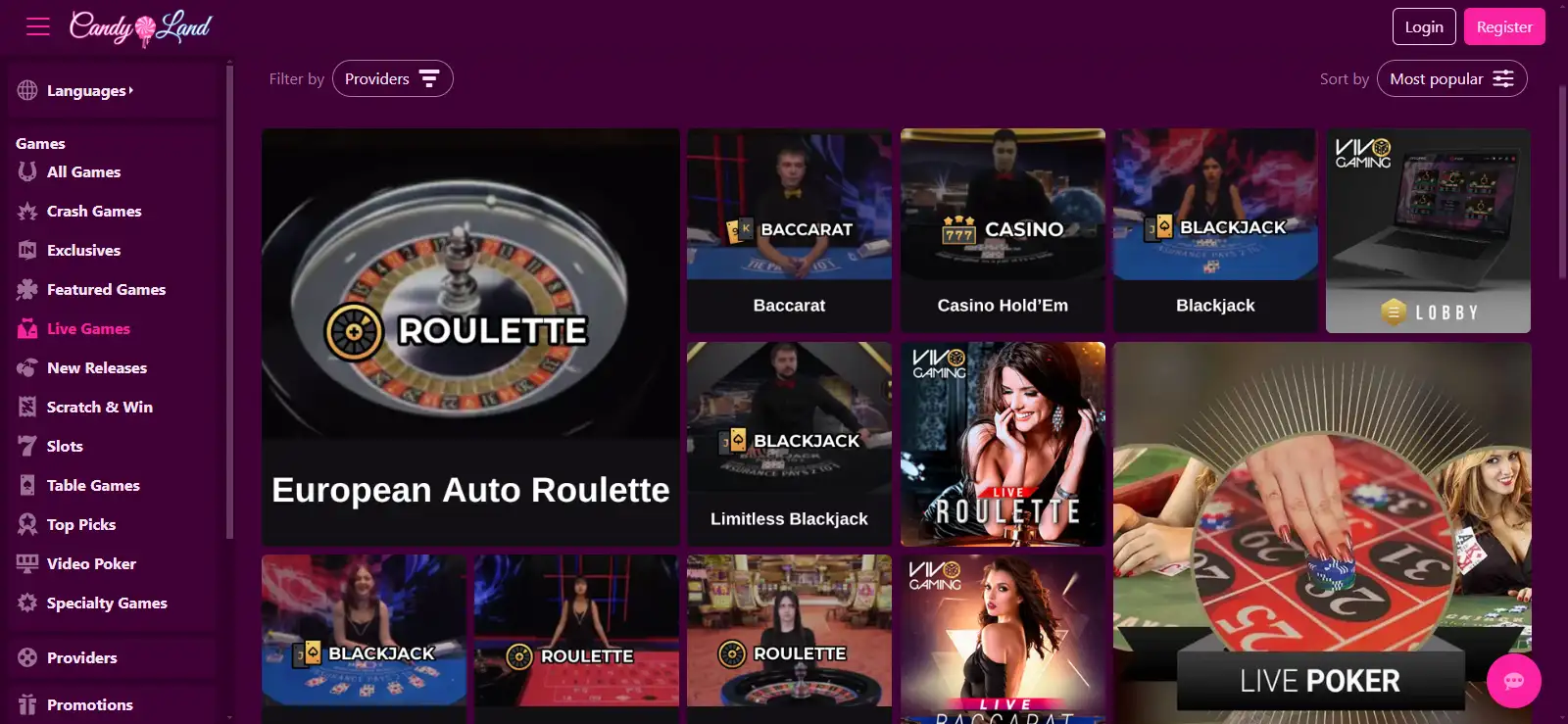
- Lobby: open a few categories and check that search and filters are practical on the smaller screen.
- Cashier visibility: verify that deposit and withdrawal sections can be reached without relying on a desktop-only layout.
- Session comfort: test portrait and landscape orientation if the game or live table interface benefits from extra width.
These are interface checks rather than claims that every device will perform identically. Screen size, browser version and connection quality can change the experience even when the underlying site is mobile-compatible.
What browser-based mobile access changes in practice
A browser route removes the need to decide whether a separate installation file is genuine, but it makes the web address especially important. Start from the confirmed CandyLand domain, check the address before entering account details, and bookmark that page if you plan to return. A saved bookmark from a confirmed page is safer than repeatedly following search ads, copied download buttons or links sent by an unknown third party.
It is also worth testing the full path you expect to use before depositing. Open the lobby, move between several categories, reach the account area and confirm that the cashier can be opened without a desktop-only step. Then return to the same places after rotating the device or reopening the browser. This tells you whether the responsive layout remains practical for the actions that matter to you, rather than judging mobile quality from the home page alone.
Browser access can look app-like when a shortcut is saved to the home screen, but the underlying route is still the website. That distinction is useful when checking instructions from third-party pages: a normal browser shortcut should originate from the confirmed website and does not require a separate APK, configuration profile or installer. If a download request appears where you expected ordinary browser access, verify the source again before proceeding.
Finally, treat login and banking screens as separate usability checks from game browsing. A lobby may be easy to navigate while an account or cashier screen feels cramped on a particular device. Confirm that important labels, amounts and verification prompts are fully visible before submitting anything. The point is not to assume every phone behaves identically, but to test the exact browser-and-device combination you will actually use.
Mobile games
Mobile-browser access means the game lobby can be approached from a phone, but individual titles can still behave differently across devices. Game-level compatibility is best checked by opening the title you actually want to use.
For live dealer play, the same principle is even more important because a live stream and betting controls share limited screen space. The live casino on mobile guide explains what to inspect without publishing an unsupported live-game list.
If your main concern is discovering providers or categories, start from the broader games page and then repeat the search on mobile. That lets you compare whether the mobile layout preserves the browsing tools you rely on.
Registration on mobile
The mobile site can be used for account access; the full registration flow is covered separately. If you are creating an account from a phone, use the dedicated registration for the current steps and the information requested during setup.
On a smaller screen, pay extra attention to domain spelling before entering personal information, use a password you do not reuse elsewhere, and review each field before submitting. Those are sensible account-security checks regardless of whether you register from a browser on iPhone, Android or a desktop computer.
Banking from a mobile browser
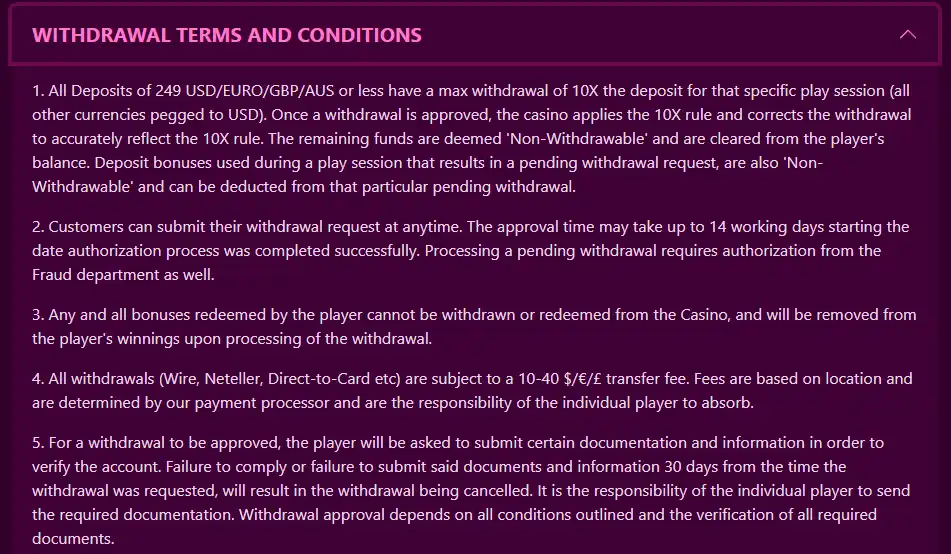
Mobile-browser compatibility does not mean every payment method shown elsewhere is guaranteed for every UK account. Payment availability can depend on the cashier and the player’s country, so a global payment list should not be read as a UK guarantee.
Instead, open the cashier while signed in and compare the options actually displayed to you. For the payment categories and UK-specific withdrawal conditions covered in detail, use the mobile payments page.
A useful mobile check is whether deposit, withdrawal and verification prompts are readable without horizontal scrolling. Financial actions deserve a slower review than game browsing because a mistyped amount or overlooked term matters more than a cosmetic layout issue.
How to avoid fake CandyLand app downloads
Searches for casino apps often attracts unofficial download pages. If a site tells you to sideload an APK, install a configuration profile or download software from a file host, that is not equivalent to an official store listing.
Use the browser version from the official CandyLand domain unless a future native application can be confirmed through an official store and a trustworthy brand reference. Do not enter casino credentials into an app merely because its icon, name or visual design resembles CandyLand.
On iPhone and Android, a browser shortcut can make a website easier to reopen, but a home-screen shortcut is still a browser route, not proof of a native app. Keeping that distinction clear prevents the word “app” from turning into a misleading download recommendation.
Browser shortcuts are not native apps
Both iPhone and Android browsers can place website shortcuts on a home screen. That can make a web casino feel app-like because it launches from an icon, but the shortcut still opens browser-delivered content. It should not be treated as a native CandyLand application unless a separate official-store product is actually listed.
This distinction matters when following instructions found on third-party sites. A legitimate browser shortcut does not require an APK, a configuration profile or credentials entered into an unfamiliar installer. If you choose to save the official website to your home screen, first verify the domain in the browser and create the shortcut from that confirmed page.
Mobile verdict
CandyLand’s current mobile route is browser access. That is enough for readers who prefer to play without installing separate software, provided the responsive interface works well on their device. No official native iOS or Android app listing was found as of 21 August 2026, so no download links or APK instructions are given.
Before using real money, verify the official domain, test the lobby and cashier on your own screen, and follow the dedicated game, registration and payment pages for details that belong to those topics. For the full UK-focused assessment, return to the CandyLand review.
Prepared by the Candyland Casino 4 editorial staff.